Google Adwords
Set up your account and start advertising
Create an AdWords account
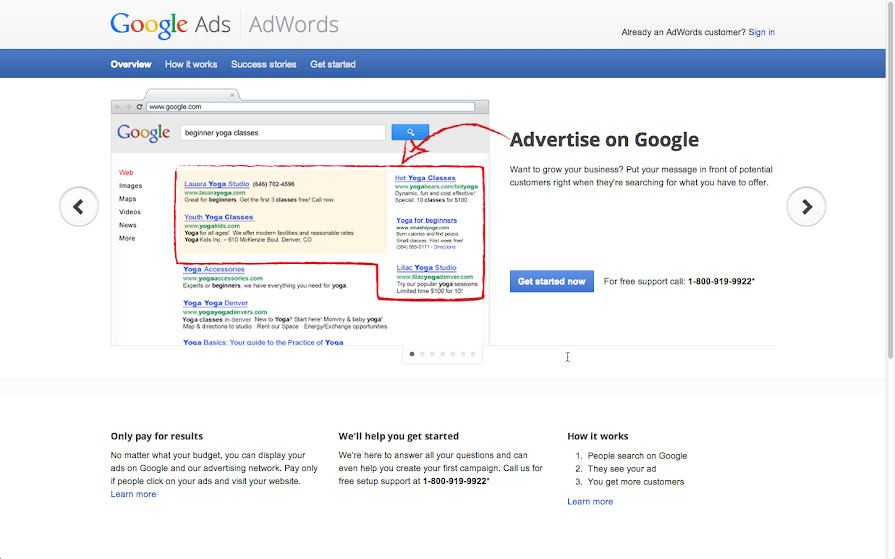
Create a new AdWords account at any time by visiting the AdWords homepage at https://adwords.google.com and clicking the button to get started. The sign-up process differs depending on whether you already have a Google Account (in other words, if you use any other Google product, such as Gmail), or if you're new to Google.
Get help signing in to AdWords
You can sign in to your AdWords account using your Google Account email address or Gmail username athttps://adwords.google.com.
Signing in with your account
First, make sure you’re using the most up-to-date version of your browser. AdWords is compatible with the latest versions of Firefox, Internet Explorer, Safari, and Chrome. Find out how to download these browsers.
To sign in to AdWords:
- Go to the AdWords homepage at https://adwords.google.com.
- Click the Sign in link at the top of the page.
- Enter your Google Account email address or Gmail username in the Email field.
- Enter your password in the Password field.
- Click Sign in.